About Your Web Starts Here
YWSH is a website to easily manage your bookmarks on PC, Laptop, Tablet and Phone.
You place the bookmarks/weblinks on your dashboard.
You can place them on your top tabs for the bookmarks you use the most and want always handy.
And/or you save them in Category cards on the main content tabs below.
You can add / rename / change the order / delete / etc:
- Top Tabs
- Main Tabs
- Category Card's (also change the color)
How to add Bookmarks?
- With the YWSH browser extention
- Import the bookmarks from your browser
- Paste a collection of links (in the settings menu).
- Click the plus item in every Category Card or Top Tab
In this time of A.I where you, more then ever, use the same text (Prompts) over and over again we have a tool that will help you with this.
This is how it works.
- You add your text snippet on the website when you logged in with your account.
- You save it with a shortcode.
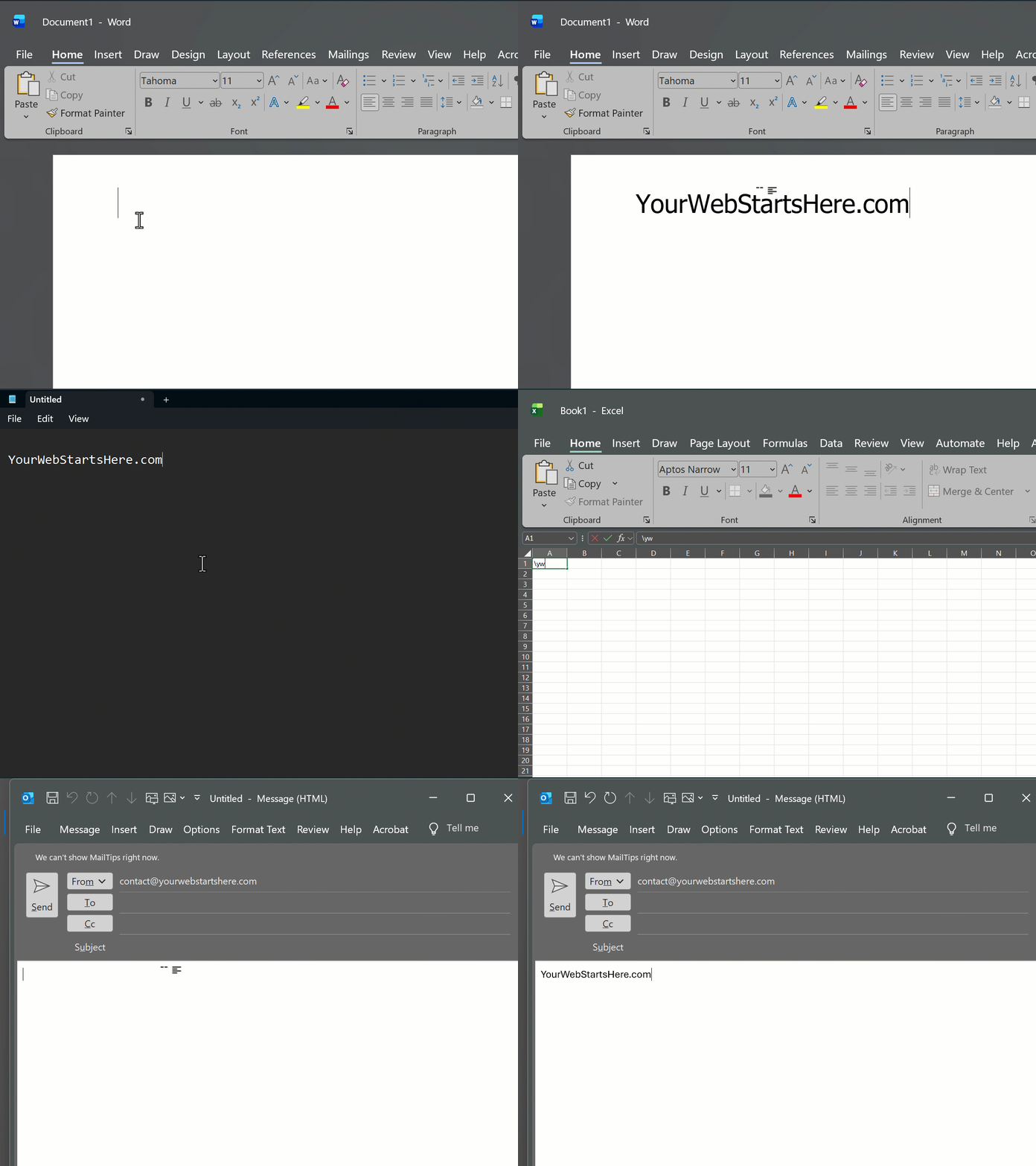
- You have the little Windows tray app installed and running in the background (download page)
- ANYWHERE you can type text you use the shortcode that gets instantly replaced with the long(er) text you don't have to type anymore!
is a personal bookmark dashboard with snippets, browser extension, Windows app, and more on the way.
What we build
- Website — your bookmark and snippet home base.
- Browser extension — save pages from Chromium browsers.
- Windows app — sync snippets for text expansion while you work.
- Android app — coming later on the roadmap.
Need help?
Visit the Help center for guides, videos, and examples.
Hier staat ook een kop